SUPERCHARGE YOUR ONLINE VISIBILITY! CONTACT US AND LET’S ACHIEVE EXCELLENCE TOGETHER!
Image SEO optimization one of the most effective ways to rank your website images on the leading search engines. In order to do that you need to follow this guide along with the steps. Though in this blog post you will see mostly images rather than text. Follow along with the image SEO guides.
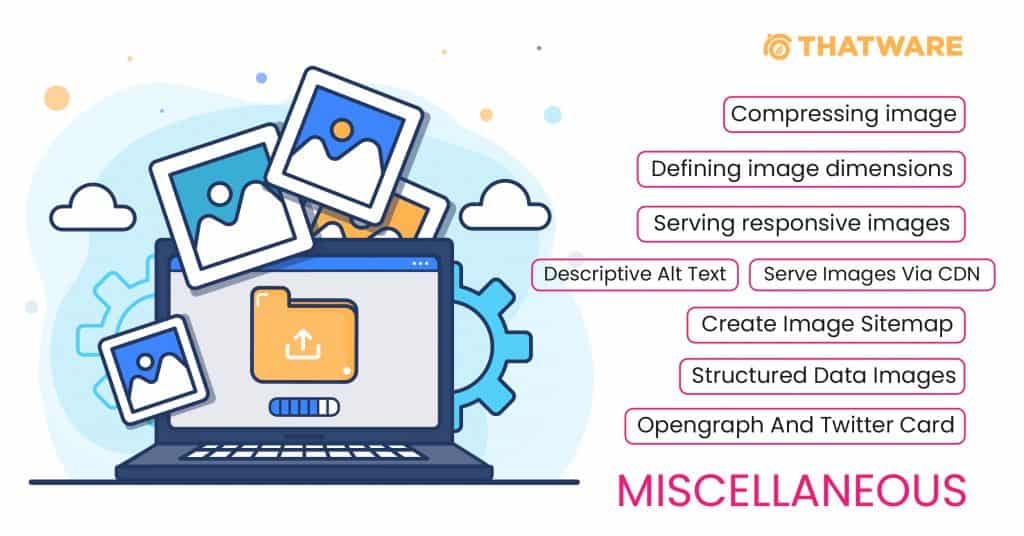
Image Placement Optimization
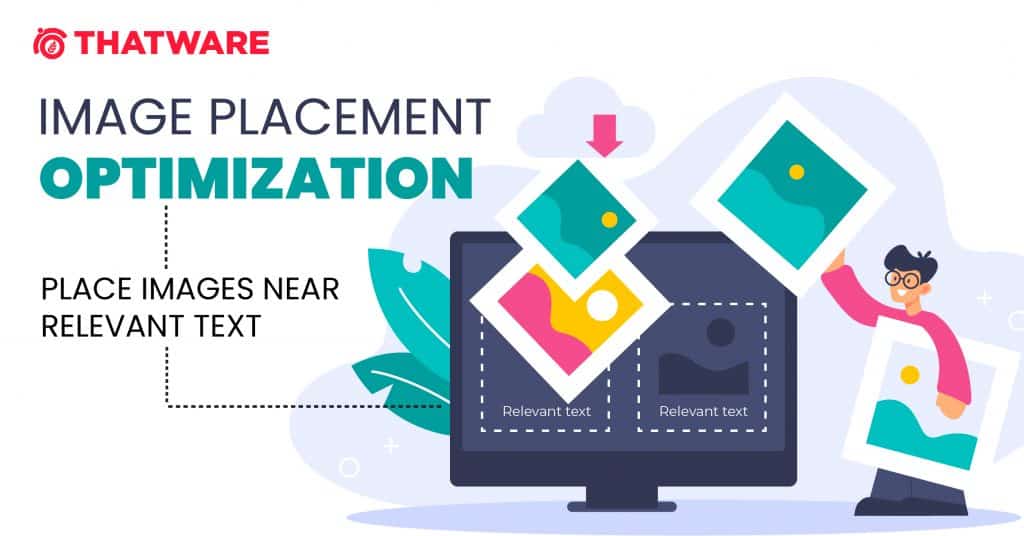
Whenever possible, If you try to place images near relevant text. When it makes sense, you can consider placing the most important image near the top of the page.
Avoid Embedding Text in Images
Avoid embedding text in images, especially important text elements like page headings and menu items, because not all users can access them (and page translation tools won’t work on images). To ensure maximum accessibility of your content, keep text in HTML, provide alt text for images.

Good URL Structure for Images SEO
Basically, an image URL acts in way of SEO; it’s the internet address of an image found on a web page. In most cases, the image URL will end with PNG, JPG, BMP, or JPG, all specific image formats. Some image URLs may go with the web page URL, but often that is not the case. Make sure to develop SEO friendly image URL for your campaign.

Customized Image File Names For SEO
When it comes to image SEO optimization, creating descriptive, keyword-rich file names is absolutely crucial. In addition, image file names alert Google and other search engine crawlers as to the subject matter of the image.

🔶 Compress image file size for faster loading.
🔶 Define perfect image dimensions.
🔶 Serve responsive (device-friendly) images.
🔶 Add a caption, descriptive alt text, if appropriate, for easier scanning of the page.
🔶 Add structured data to images.
🔶 Add OpenGraph and Twitter Card tags for the image.
🔶 Use srcset if possible
🔶 Include an image sitemap to your site containing all images.
Image SEO optimization is crucial for improving the visibility of your website in search engine results and enhancing user experience. Here are some key pointers to help you optimize images for SEO:
- Choose the Right Image Format:
- Use commonly supported formats like JPEG, PNG, or WebP.
- JPEG is suitable for photographs, while PNG is better for graphics with transparency.
- Optimize Image Size:
- Compress images to reduce file size without compromising quality.
- Smaller image sizes improve page load speed, which is a ranking factor.
- Use Descriptive Filenames:
- Give your images meaningful filenames that reflect their content.
- Avoid generic names like “image001.jpg” and use descriptive names like “red-apple.jpg.”
- Utilize Alt Text:
- Provide descriptive and concise alt text for each image.
- Alt text helps search engines understand image content and provides accessibility for visually impaired users.
- Implement Descriptive Captions:
- When applicable, use captions to provide context and relevant information about the image.
- Image Sitemaps:
- Include images in your XML sitemap to help search engines index them more effectively.
- Responsive Images:
- Use responsive design techniques to ensure images adapt to different screen sizes and devices.
- Avoid Text in Images:
- Avoid placing important text within images; use HTML for textual content.
- If you must use text in images, include the text in the alt attribute.
- Image Dimensions:
- Specify image dimensions in the HTML code to prevent layout shifts during page rendering.
- Use Lazy Loading:
- Implement lazy loading to defer the loading of images until they are visible in the user’s viewport, improving page load speed.
- Image CDN:
- Consider using a Content Delivery Network (CDN) for faster image delivery to users worldwide.
- Schema Markup:
- Implement structured data (schema markup) to provide additional context about the images to search engines.
- Image Compression Tools:
- Use image optimization tools like Photoshop, ImageOptim, or online services like TinyPNG to reduce file sizes.
- Image Hosting:
- Host your images on a reliable and fast server or image hosting service.
- Monitor Image SEO Performance:
- Regularly check your website’s image SEO performance using tools like Google Search Console.
- Image Accessibility:
- Ensure your images are accessible by following accessibility guidelines, including proper alt text and labels.
- Avoid Image Overload:
- Don’t overload your pages with too many images, as this can slow down your website and overwhelm users.
- Image File Structure:
- Organize your image files into logical folders and directories for better management and SEO.
By following these image SEO optimization best practices, you can enhance your website’s search engine rankings, improve user experience, and increase the chances of your images being discovered and shared.
ADDITIONAL IMAGE SEO OPTIMIZATION CONSIDERATIONS:
1. Apply Lazy Loading Methods:
- Use lazy loading: In web development, lazy loading is a strategy that delays loading non-essential resources, such as pictures, until they are needed. Lazy loading waits to load pictures on a webpage until the user scrolls down to the area where the photos are situated, as opposed to loading every image on the page as soon as it loads. This method aids in speeding up page loads in the beginning and enhances overall functionality.
- Cutting Down on First Page Load Times: One of the main advantages of lazy loading is its capacity to cut down on first page load times. When a webpage has a lot of photos on it, especially huge or high-resolution images, loading them all at once might cause the page to load much more slowly. Only the photos that the user can see right away when the website loads are loaded at first thanks to lazy loading. Additional pictures are loaded on-demand as the user scrolls down the page, resulting in quicker initial page loads and a more seamless surfing experience.
- Advantages for Websites with Many Photos or Long-Scrolling Pages: Websites with a lot of photos or long-scrolling pages with constant content benefit most from lazy loading. Because of the enormous amount of material that has to load, these websites frequently experience issues with speed and loading times. These websites can load photos more quickly that are accessible to visitors right away by using lazy loading, which delays the loading of images farther down the page until they are needed. This enhances visitors’ browsing experiences overall, optimizes speed, and conserves bandwidth.
2. Consider Image Content Delivery Networks (CDNs):
- Make use of a Content Delivery Network (CDN): A CDN is a global network of dispersed servers that are positioned strategically in different places. By caching material on servers that are closer to end users, content delivery networks (CDNs) are made to distribute online content—including images—more effectively. The content delivery network (CDN) lowers latency and speeds up load times by automatically serving pictures from the closest server rather than the origin server when a user requests a web page with images.
- Improving Image Load Times and Reducing Latency: Improving image load times and reducing latency for users globally is one of the main advantages of using a CDN for image delivery. Images that are supplied via a content delivery network (CDN) come from servers that are situated closer to the user’s location. This reduces the distance that data must travel, which benefits users regardless of where they are in the world by enabling quicker loading speeds and a more seamless browsing experience.
- Improving Website speed: By streamlining the distribution of photos and other static assets, CDNs are essential for improving website speed. Websites can lessen the strain on their origin servers and more equally divide bandwidth use across several servers by outsourcing the delivery of pictures to a CDN. This lessens congestion, avoids server overload, and guarantees steady performance even during spikes in traffic or demand.
- Getting Images from Servers Nearer to Users: By sending images from servers nearer to the user’s location, content delivery networks (CDNs) enhance the speed of websites. The closest server in the CDN’s network is immediately contacted when a user requests a web page with images on it. This reduces the amount of time it takes for pictures to load from the server to the user’s device, improving user experience and speeding up load times.
3. Implement Schema Markup for Images:
- Use Structured Data (Schema Markup): One type of structured data that gives search engines more information about the material on a page is schema markup. It describes the characteristics and meaning of various items on a page, including pictures, using a consistent vocabulary of tags, or “schemas”. Website owners may give search engines useful information about the content, context, and relevancy of their photos by using schema markup that is particular to images.
- Provide Search Engines More Context: Website owners may provide search engines more metadata and context about their photos by using schema markup for images. This contains details on the authorship, location, subject, title, description, and licensing rights of the photograph. Website owners may give search engines crucial information about their photos directly by including structured data markup into their HTML code. This will improve the search engines’ comprehension of the content and context.
- Facilitates the Understanding of Image Content by Search Engines: Schema markup is essential for facilitating the understanding of the content and context of pictures on a web page by search engines. Search engines may more accurately assess an image’s relevancy to a query and provide it in search results when structured data about the picture is provided. As a result, pictures may become more visible on search results pages and have a higher chance of appearing in rich snippet displays like information panels, image carousels, and thumbnail previews.
- Possibility for Improved Visibility in Search Results: By giving search engines comprehensive details about the content and context of pictures, schema markup for images has the potential to improve visibility in search results. Images are more likely to be prominently displayed in search results for pertinent searches when search engines can reliably evaluate their relevance and meaning. For websites with optimized photos, this might mean higher click-through rates, traffic, and engagement.
Conclusion:
These days, optimizing photos for search engines is an essential part of any thorough SEO plan, not merely something to be done for aesthetic reasons. Website owners may greatly increase the exposure of their photos in search engine results pages (SERPs), improve user experience, and achieve better commercial outcomes by adhering to the best practices described in this article.
Maximizing search engine exposure and user engagement requires a comprehensive approach to picture SEO, encompassing everything from selecting appropriate image formats and minimizing file sizes to incorporating alt text, structured data markup, and descriptive filenames. Furthermore, methods like using Content Delivery Networks (CDNs), schema markup, and lazy loading all help to increase performance, speed up page times, and improve search engines’ comprehension of context.
Website owners can keep ahead of the competition, adjust to changing search engine algorithms, and give consumers a smooth browsing experience across platforms and devices by adopting these image SEO best practices and regularly tracking performance indicators. In the end, spending money on image SEO optimization improves user pleasure, brand visibility, and credibility in addition to search rankings, which promotes long-term success in the digital sphere.